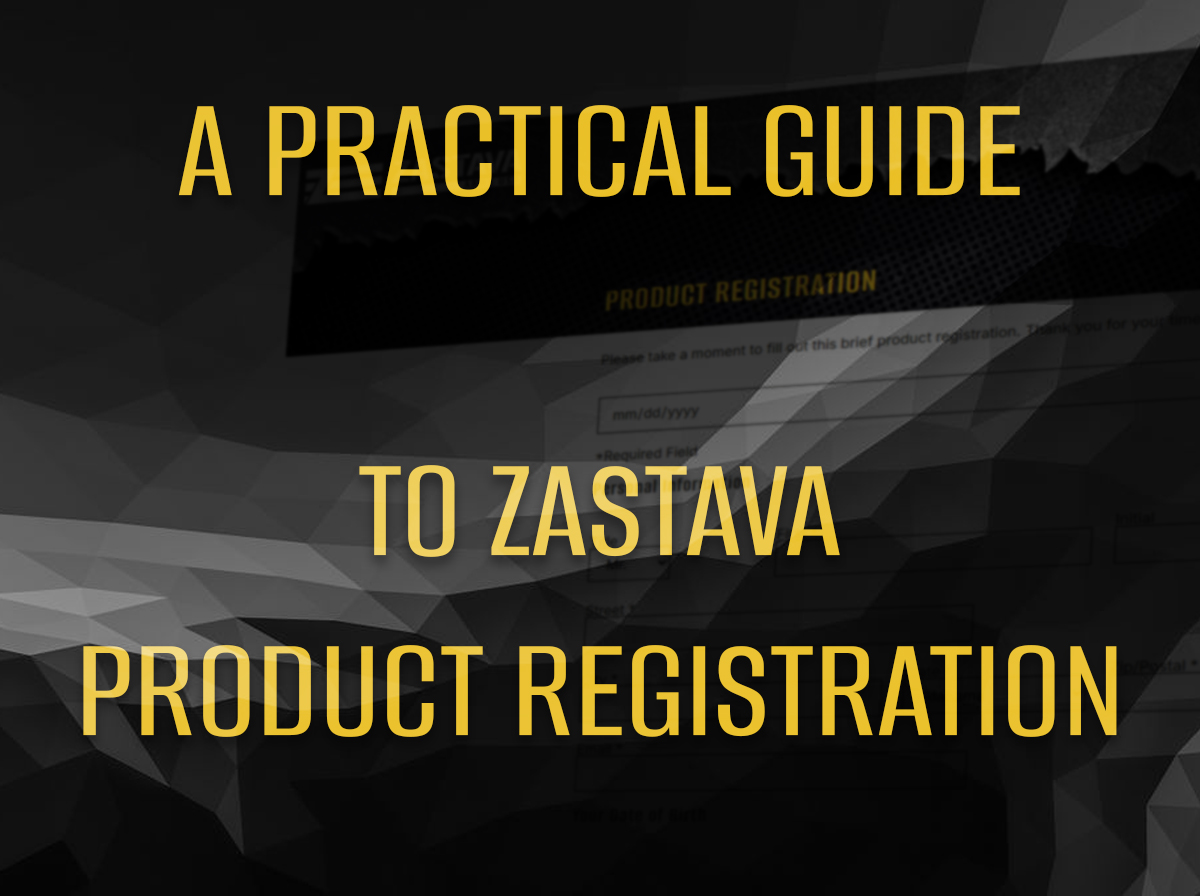
Our Zastava product registration process is a short administrative task that can support a much smoother ownership record. It helps connect the product, purchase information, and owner contact details through our official process. Registration does not replace a receipt, guarantee every claim, or change local law. It simply gives you a clearer paper trail and makes it easier to provide accurate information if you later contact us.
Use the Official Registration Page
Start at our product registration page rather than a link from an unfamiliar email or advertisement. Check the web address before entering personal or product information. A registration form should not become a reason to share details with an unverified third party.
If the page does not load or a field seems unclear, use our official contact route for assistance. Do not submit several forms with different answers just to see which one works. Duplicate records can make a simple question more difficult to sort out later.
Gather the Purchase Details First
Have the receipt, exact model name, purchase date, dealer information, and requested product identifiers available before you begin. Copy details carefully from the firearm and documents according to the form’s instructions. Avoid guessing an unreadable character.
Take your time with letters and numbers that look similar. A clear photo kept in your private records can help you verify an entry, but do not post that image publicly. Product registration involves ownership information, so accuracy and privacy should receive equal attention.
Keep the Original Receipt
Registration does not replace proof of purchase. Store the original receipt or a legible copy with your ownership documents. If the receipt uses thermal paper, create a digital copy before the print fades and decides to become modern art.
Record the dealer, date, price, model, and any included items. Keep financing documents or unrelated payment information separate unless our support process requests them. A tidy record should answer practical questions without exposing more financial data than necessary.
Review the Warranty Terms Separately
Read the current Zastava warranty policy and note any eligibility, registration, proof-of-purchase, or timing requirements that apply. Do not assume that submitting a form automatically confirms coverage for every condition.
Warranty decisions depend on the written terms and the facts of a particular request. Keep a copy of the policy available at the time of purchase if possible, and check for current instructions before seeking service. A blog article can organize your questions, but we determine coverage.
Submit Accurate Contact Information
Use an email address and phone number you monitor. Check spelling before submission, particularly in the email field. If the process sends a confirmation, a small typo can make a successful submission look as if it disappeared.
Use your current mailing information where requested and update us if our process allows or requires changes. Do not enter a dealer’s address as your own simply because it appears on the receipt. Each field should describe the person or business the form actually requests.
Save the Confirmation
Take a screenshot or save the confirmation email after submission. Record the date and any reference number. Store this confirmation beside the receipt and product documentation, using a filename that identifies the model without exposing private data in a shared folder.
If no confirmation appears, check the spam folder and verify whether the page provided an on-screen result. Wait an appropriate period before submitting again. When in doubt, ask our support team whether the first record exists instead of creating a small family of duplicate registrations.
Register Before You Need Support
Completing registration soon after purchase gives you time to resolve a missing detail without the pressure of an active service question. It also encourages you to organize the manual, receipt, and dealer information while everything is easy to find.
Do not wait for a problem to discover that the receipt has faded or the box label went out with the recycling. Ten quiet minutes after purchase can save a much longer search later. Administrative habits rarely feel exciting, but they are remarkably good at preventing unexciting problems.
Know What Registration Does Not Do
Registration does not replace safe storage, training, legal compliance, or model-specific instructions. It also does not create permission where state or local rules prohibit a product or configuration. Keep those responsibilities separate and verify requirements through appropriate sources.
The form is one part of an ownership file. Combine it with our Zastava catalog, the correct manual, purchase records, and our current support information. Each document has a different role, and together they provide a clearer record.
Keep the File Current
Add service correspondence, approved work orders, and relevant purchase documents to the same secure record. Keep serial details private and limit access to people who need them. Review the file occasionally so an old email account or missing receipt does not create a surprise.
Our Zastava product registration process works best as part of a simple ownership routine. Enter accurate details, save proof, and understand our warranty terms. The task is brief, but a complete record gives future questions a much cleaner starting point.